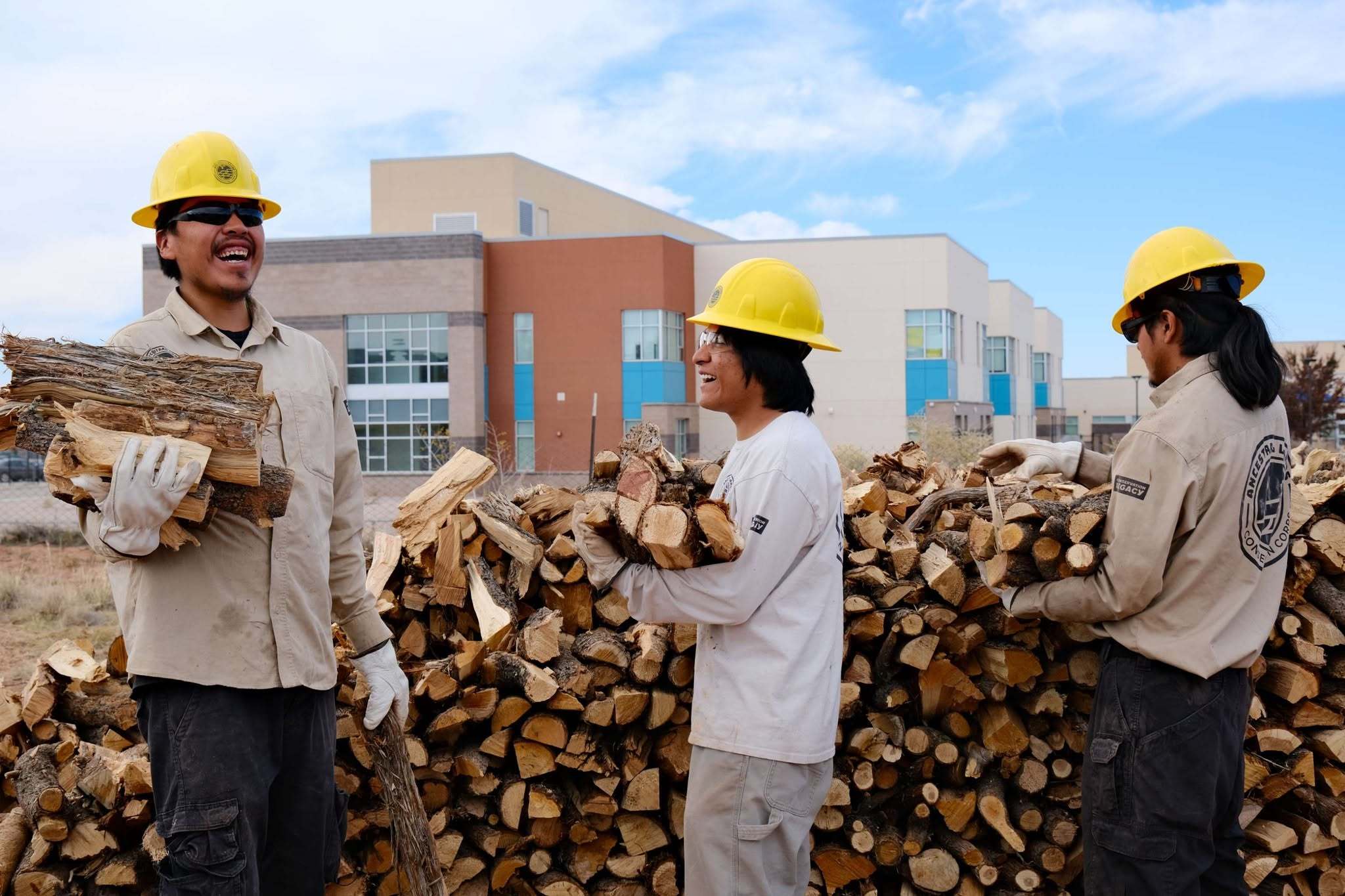

Welcome to the ALCC Individual Placement Program
Congratulations on being accepted to join Ancestral Lands Conservation Corps Individual Placements (ALCC IP)! We’re excited to have you on the team. ALCC provides individuals with service and career opportunities to strengthen communities and preserve our natural resources. Participants work with federal agencies, tribal governments, and nonprofits building institutional capacity, developing community relationships, and supporting ecosystem health.
-
Start of Term
- Log-in to Conservation Community Portal in email & Favorite
Needed to fill timesheets and accomplishments
- Attend Orientation
- Open your dropbox and favorite the webpage:
- Complete the ALCC Goal Setting Worksheet (return in 2 weeks)
- Set up bi-weekly check-in with ALCC Representative
Use “Book Time to Meet with Me” link in email
- Bio & Photo with uniform uploaded to Dropbox (if part of TTAP this is required), preferably in front of project site/park sign
Consistently throughout term
- Timesheets submitted every Friday at 12 PM local time
- IP Monthly Accomplishments (due by every 2nd Friday of the Month)
- Attend Monthly IP meetings (Last Tuesday of every month from 2:30-4 PM Mountain TIme)
- Submit photos to ALCC IP on Dropbox (your ALCC PC/PM will set you up with a link)
Midterm:
- AmeriCorps Goal Setting worksheet (Revisit, update, sign + submit to PC/PM)
- Midterm Evaluation (site partner fills out, reviews with you, sign + submit to PC/PM)
End of Term (Exit items)
- AmeriCorps Exit Survey & Form (my.AmeriCorps.gov)
- AmeriCorps Goal Setting worksheet (reviewed by you, sign + submit to PC/PM)
- Final Evaluation (site partner fills out, reviews with you, sign + submit to PC/PM)
- Final Timesheets (filled out, submitted, and approved on your last day)
- Final Monthly IP Accomplishment (found on Conservation Legacy Portal)
- IP Monthly Meeting Presentation (5-10 minute presentation of your project to ALCC IPs & Staff)
- All Photos & Bio uploaded to Dropbox
*Driver Training offered for required driving positions
-
Project Hours
- Please enter all hours in the Project Hours column, primarily
- There are very few exceptions to entering hours in the “Training/Education” and “Fundraising Hours” columns. If you are in training, it is very likely that it is relevant to the project you will accomplish. Please contact your ALCC supervisor if you have questions.
About the Leave Category:
- Leave is used when a member is off for a short period of program & site supervisor approved time off. This means that it is for a shorter time than a week.
- Leave hours DO NOT COUNT towards AmeriCorps Service Hours. This means that your leave hours do not contribute to the minimum number of hours required to get your Segal Education Award.
- Your ALCC Supervisor will be tracking your hours and will inform you if time off is appropriate at the time of request.
- If you want to track your own hours, you can go to “My Service Term” in your Conservation Legacy Portal. Please ask your ALCC Supervisor about the hour tracking functions and how to interpret them during your check-in.
- Each day you are approved Paid Time Off, please record 8-10 Leave Hours per day. Record the same number of leave hours that you would have if you worked that day.
How do I request to go on leave?
- Please write out PTO requests to your site supervisor and ALCC supervisor via email at least 2 weeks in advance. 3 weeks in advance is preferred.
- ALCC recognizes that not all PTO requests may fit within the 2-week notice period, e.g. personal emergencies. However, you MUST communicate with your site supervisor AND ALCC supervisor. This may be counted as an unauthorized leave of absence if you do not call, email, or text BEFORE the workday starts. An unauthorized leave of absence may lead to disciplinary action or dismissal from the program.
- If you request an extended leave of absence, you may have to sign a Suspension Form. This may happen when a site supervisor does not agree to pay for leave, or you are expected to be absent for longer than a week. A suspension form is filled out when a participant WILL NOT be paid during their time out of service.
- A suspension may be invoked due to disciplinary action following an ongoing incident, or a pause in the site project (i.e. weather, lapse of appropriations, holidays, etc.).
- Typically, there is a return date set for reinstatement, or resuming your term. You MUST sign a reinstatement form BEFORE resuming service. This may also be followed by an extension of your term to make up for time not served, or an exit from the term if it is deemed necessary.
- When on suspension, DO NOT record any time in the leave category. 0 hours should be recorded in the leave category.
Notes about Requesting Leave
- As an AmeriCorps participant, you do not accumulate Paid Time Off or Sick hours. When we determine the service term length, we include a certain amount of buffer time. Buffer time is used to accommodate federal holidays, sick time, and for days off.
- Depending on the length of your term (number of weeks) and the slot size of your service (300-1700 hours), you will have a designated amount of buffer time.
- Your ALCC supervisor will inform you how much buffer time you have allotted during your orientation.
- If you have completed the minimum number of service hours for your Segal Education Award, you cannot exit the program early. You must complete your service term to the end date in your member service agreement.
Member & Supervisor Assurances
- You will be required to sign your timesheet denoting the accuracy and validity of the timesheet, in addition to your comments.
Comments
- Please remember to keep comments professional and appropriate to the workplace. AmeriCorps and Conservation Legacy Staff review timesheet comments for posterity and compliance. Please continue to log comments that help you remember what you did for the day and track your progress.
- Repeated offenses or overtly unprofessional comments will be reported to your ALCC Supervisor and may result in disciplinary action.
REMEMBER!!!!
- Timesheets are due at 12PM on Friday, every week!
-
Professional Development Funds
Some, not all Individual Placements for ALCC have Professional Development (PD) Funds. These are funds in holding with the agreements we have with partners when we create your position. PD funds are specifically designated to purchase gear, cover travel expenses, and/or attend conferences, workshops, training, or other opportunities, where payment may be a barrier to participation. You may find the PD funds in your position description. The spending will be tracked by ALCC.
Standard Procedure for Spending of Professional Development Funds
1. Identify Professional Development (PD) Opportunity
a. You may discuss with your site partner and ALCC supervisor what options may be available to you.
b. The ideal time to request for purchase of a professional development opportunity is 4-6 weeks in advance. This gives our staff time to find the best value, and to purchase tickets for airfare and lodging at a fair price. 3 weeks is the minimum amount of time needed to adequately support a Professional Development Opportunity.
c. Professional Development Opportunities must align with project goals, ALCC/Conservation Legacy Program goals, and Partner Site/Agency goals.
2. Determine Cost-
a. Admission/Registration/Membership
b. Per Diem
c. Lodging
d. Flights/Bus/Vehicle
3. Submit request for PD spending to Site Partner and ALCC Supervisor
4. If request is approved, ALCC Supervisor will either work with you to purchase items, or give you approval to purchase with Conservation Legacy Credit Card.
5. ALCC Supervisor will track budget and provide a balance of funds to you and site partners